Found a missing mini? Spotted a glitch? Got an idea?
MiniBrands.toys is an independent fan-made wiki.
It is not affiliated with, endorsed by, or operated by ZURU. For product support, orders, returns, or any official enquiry, please contact ZURU directly at
zurutoys.com/contact
or reach them on their official Instagram or TikTok.
For wiki-related questions, drop me a message β I'd love to hear from you!
Share your collected, missing, and duplicate minis with a public link
Per-series share links for collected, missing, and duplicate minis
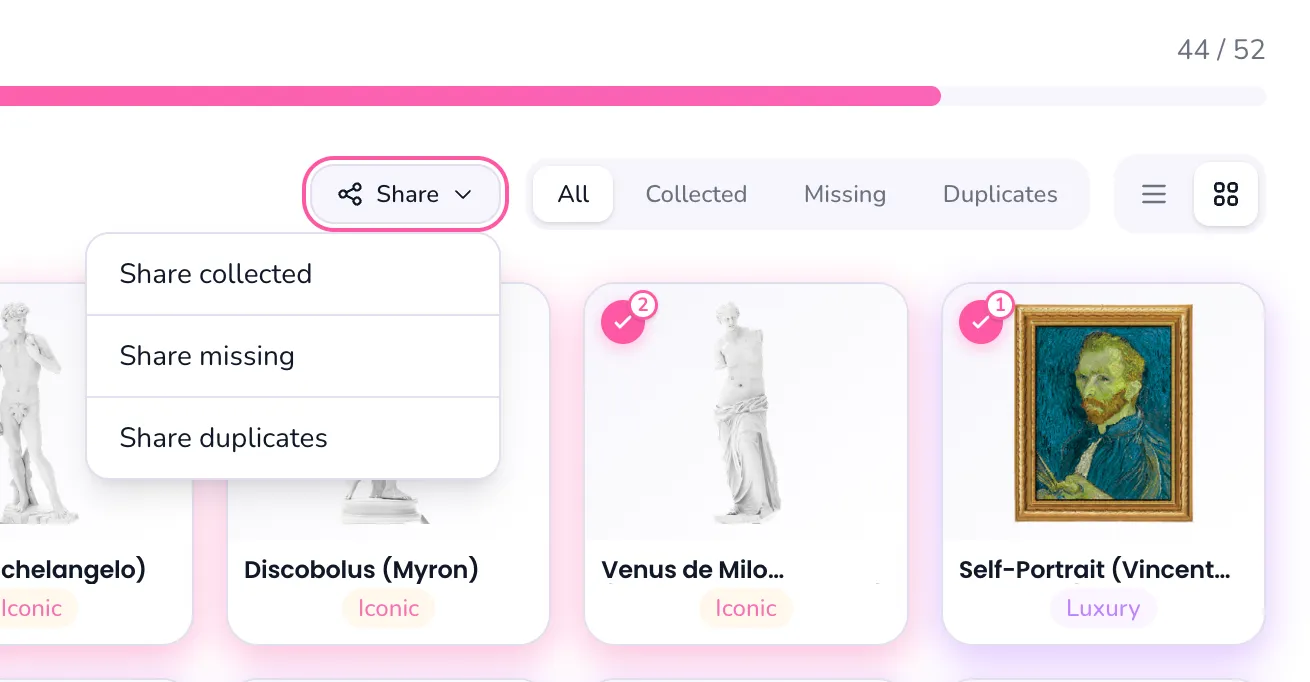
Open any series and use the new Share menu to generate a public link for what you have collected, what you still need, or the duplicates you are open to trading.
Each view gets its own link, so you can share exactly the slice of your collection that fits the conversation. Re-opening Share for the same view always returns the same link, so you can keep using it across posts and DMs.
Pick a display name and how people can reach you
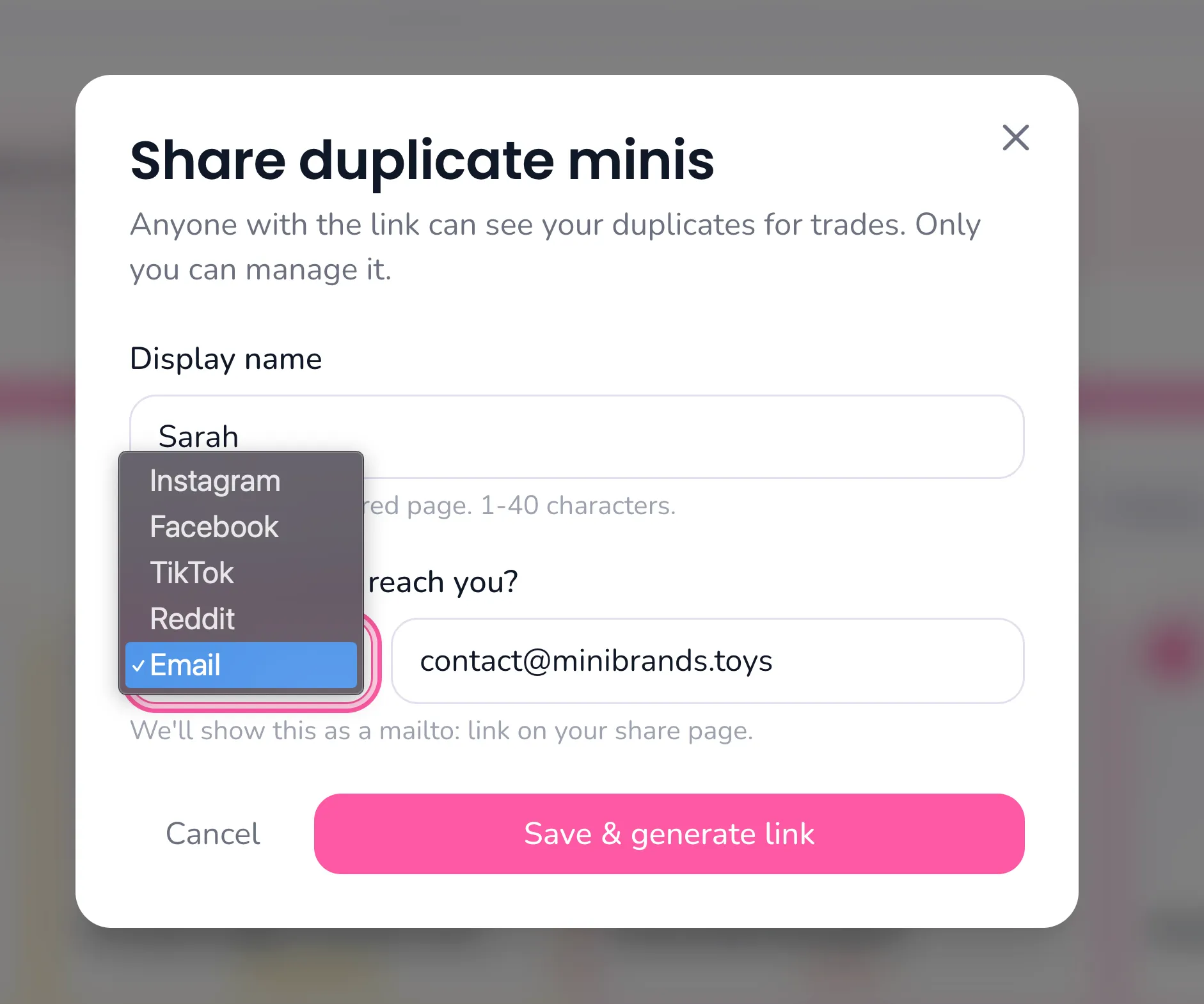
The first time you share, you will be asked for a display name and one contact channel: Instagram, Facebook, TikTok, Reddit, or email.
Paste your full profile URL or just the handle and we will tidy it up for you. Your contact shows up on the public share page so other collectors know where to find you.
Copy, share, and preview your link in one place
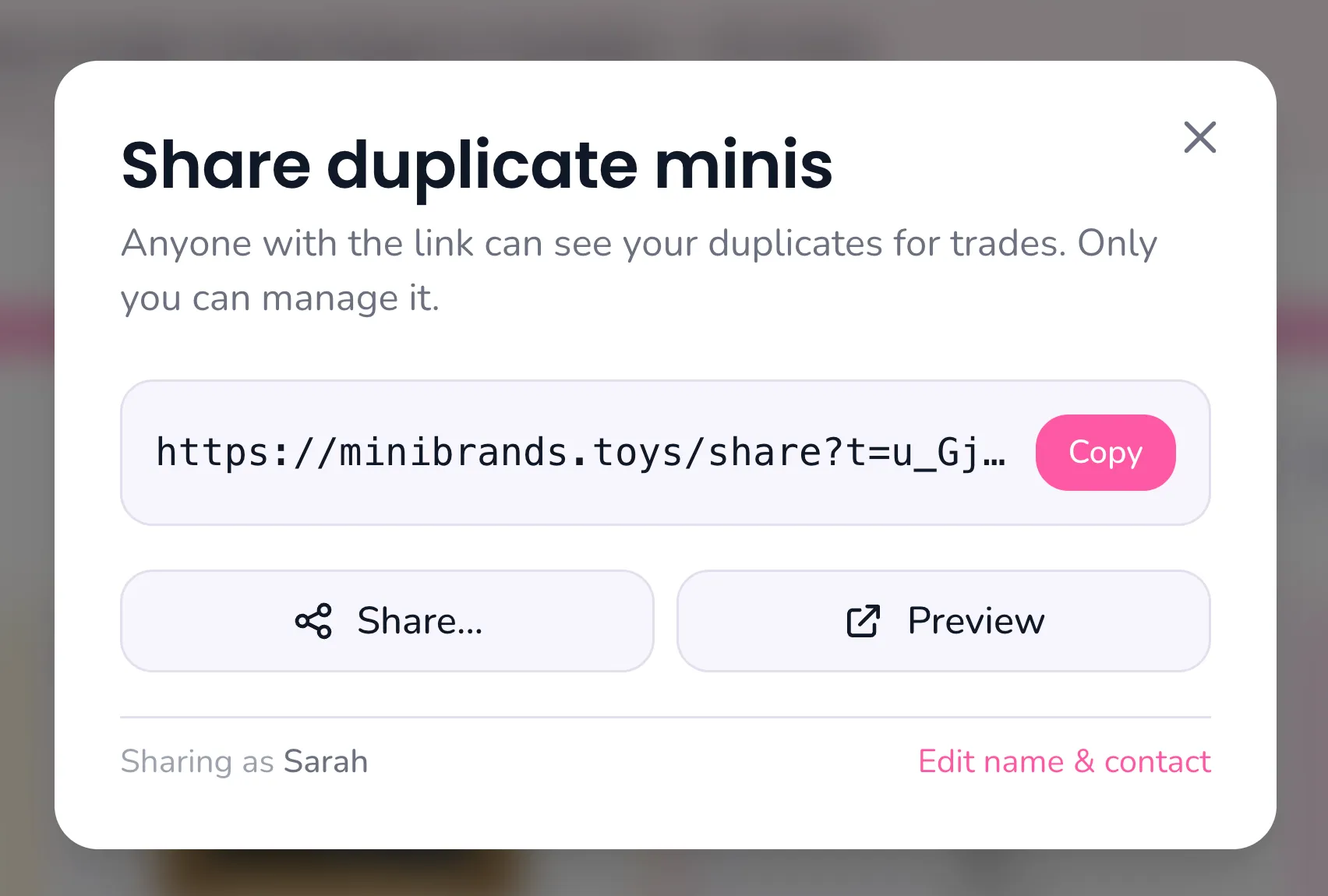
Once your profile is set, the modal shows the live share URL with quick Copy, Share, and Preview buttons so you can drop it into a DM, story, or comment without leaving the page.
You can come back any time to update your display name or contact, and the link itself stays the same.
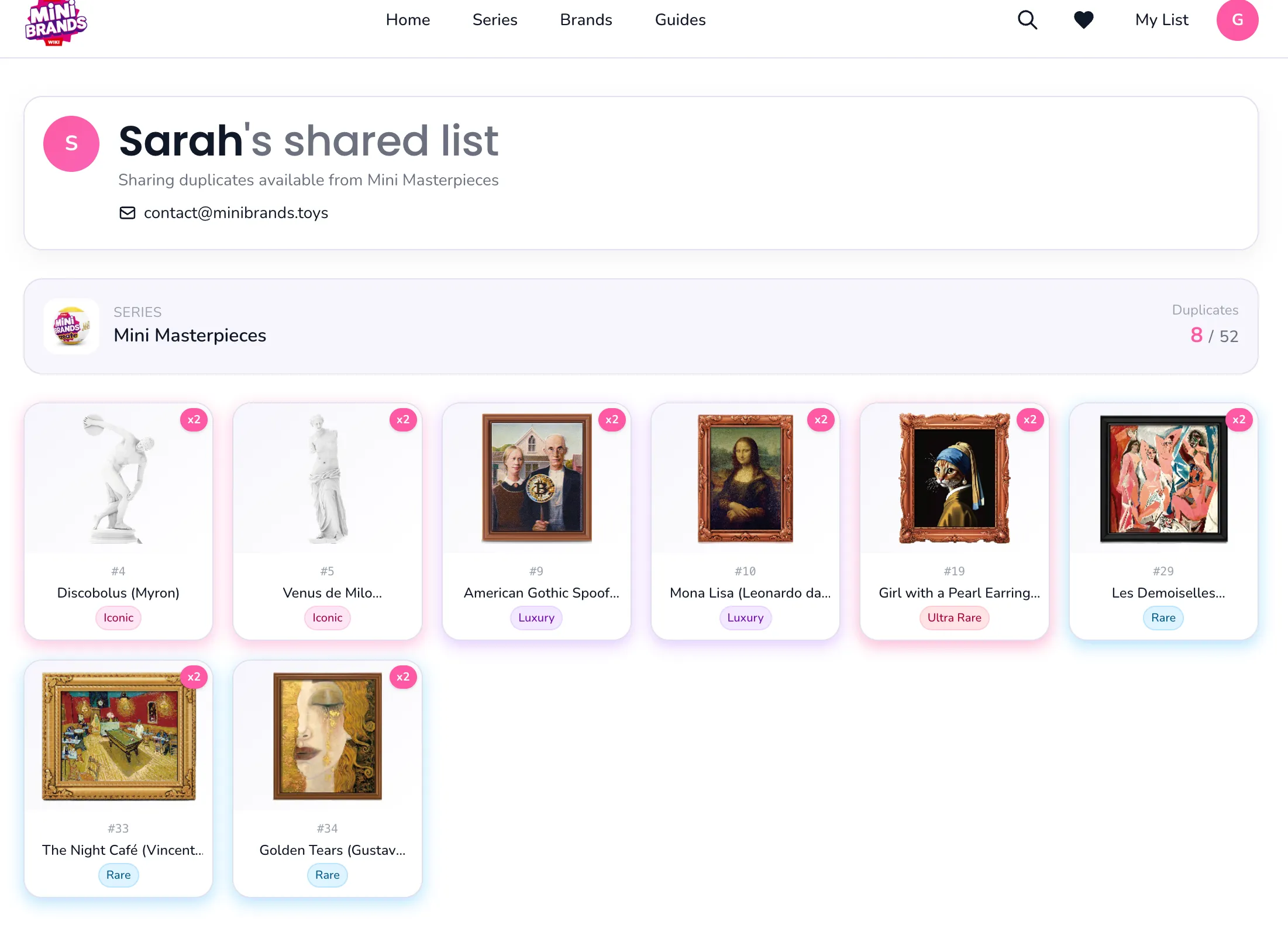
A public page with your display name and contact for whoever opens the link
The link opens a page with your display name, contact, the series, and only the minis tied to the view you shared.
You can edit the underlying collection. Visitors only see the slice tied to that link, nothing else
Apr 29, 2026
Track duplicates, "Create" type mini filter, and updated contact form
Track every copy you own
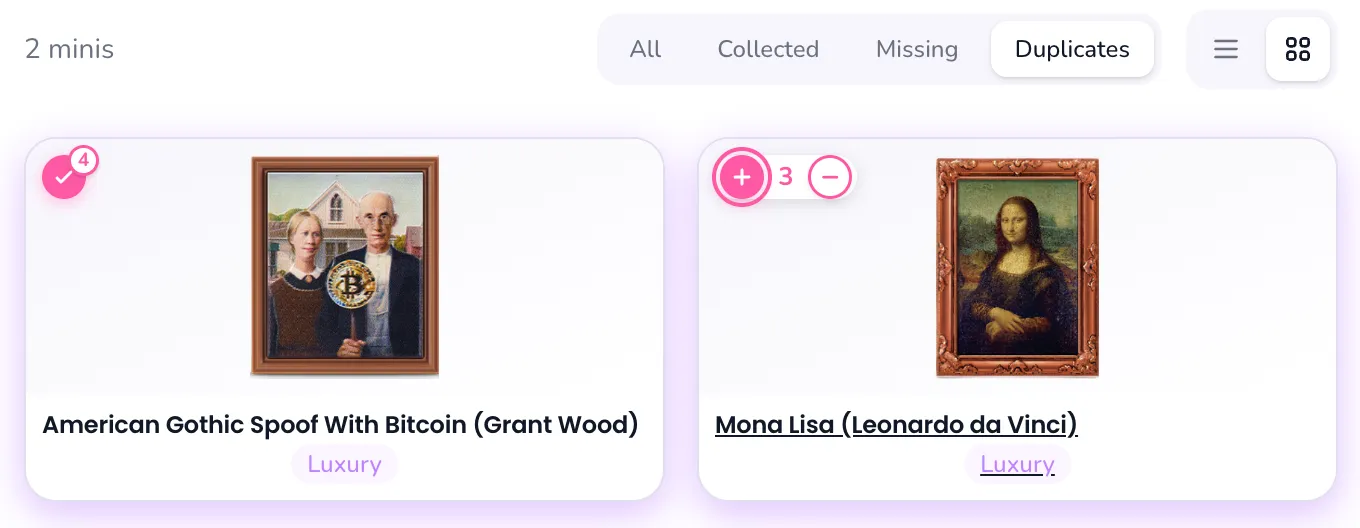
Got two of the same mini? You can now adjust quantities directly from mini, so your checklist reflects the exact number of copies in your collection.
Duplicate counts make it easier to track spares for sorting, trading, and future tools like exporting missing or duplicate items and sharing them as links.
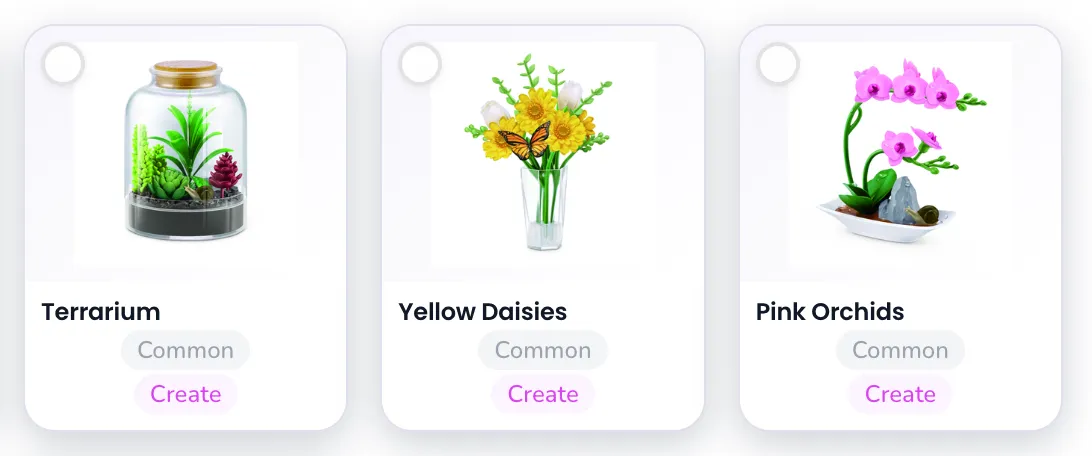
Added "Create" type for Recipe or Create minis
Recipe-based and craft-style minis now have their own "Create" type, so they are easier to spot in series lists and checklist filters.
This covers lines where the fun is building, cooking, decorating, or assembling the mini rather than only collecting the finished item.
Ulta Series 1 and Stranger Things have images now
Mini Brands x Ulta Beauty Series 1 and Stranger Things Mini Brands now include product images across their series pages and mini checklists.
The added visuals should make it much easier to match what you unboxed with the right item in your collection.
Updated contact us to interactive form instead of mailing manually
The contact popup now includes an interactive form for users, so you can send feedback without opening your email app.
Choose a topic, add your notes, and optionally attach an image or PDF when you are reporting a missing mini, wrong detail, broken page, or feature idea.
Apr 29, 2026
Release notes are live
One-time update popup
You will now see a one-time popup whenever a new update ships.
Latest announcement only
Release announcements now focus on the newest update so the popup stays quick to read.
Enjoying the Mini Brands Library? π
Tracking minis is way more fun when everything's organized β that's why I built this site. I run and update it independently, and I'm keeping it ad-free so it stays clean and fast.
If it helped you track your collection or find that one missing mini faster, consider supporting the project. Your support helps cover hosting + updates β and helps fund the roadmap too: weights, cheat sheets, printable checklists, and price-drop notifications.
No pressure β the site will always stay free. Thanks for keeping the minis rolling! πβ¨